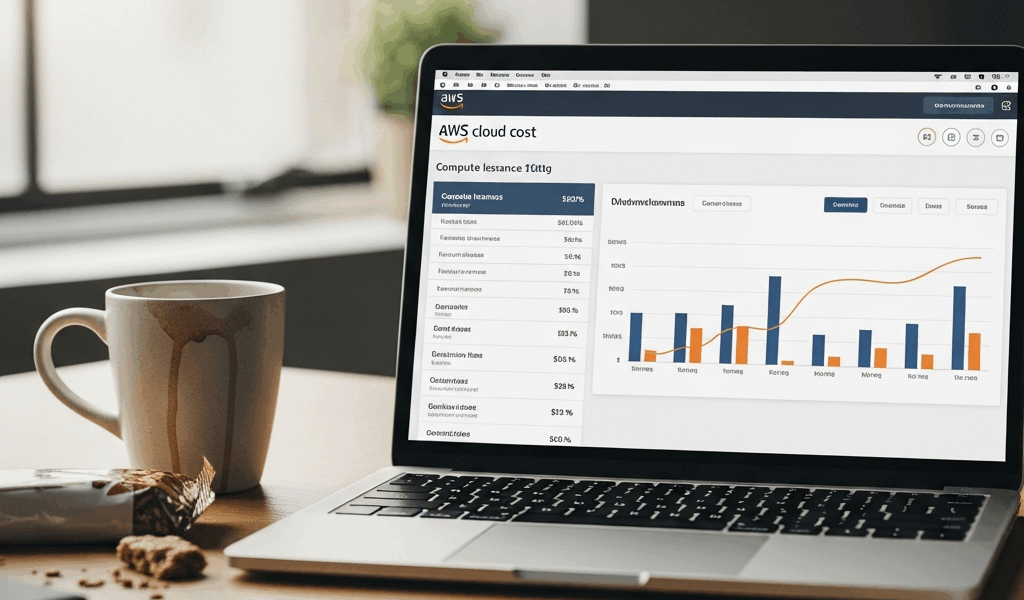
You are looking at your AWS bill and you know you are overpaying for compute. The instances run 24/7, the workloads are predictable, and you are paying On-Demand pricing for all of it. The savings are real — 40 to 60% or more — but the decision of what to reserve, what to run on Spot, and what to leave On-Demand is where most teams get stuck. Here is the allocation framework without the vendor pitch.
This article includes affiliate links. We may earn a commission at no extra cost to you.
The Three Purchase Models and What Each Actually Costs
On-Demand: Full price, no commitment. An m5.xlarge in us-east-1 runs roughly $0.192 per hour, or about $140 per month running 24/7. This is what you pay when you have not made any purchasing decisions at all.
Reserved Instances (1-year No Upfront): Roughly 40% discount versus On-Demand for the same instance type. That m5.xlarge drops to about $0.115 per hour, or $84 per month. Commit to 3 years with All Upfront payment and the discount deepens to 60 to 65% — around $0.072 per hour, or $53 per month.
Spot Instances: 70 to 90% discount, but AWS can reclaim your instance with a 2-minute warning. That same m5.xlarge might cost $0.04 to $0.06 per hour — $29 to $44 per month — but it could disappear at any moment.
Savings Plans (Compute): Similar discount to RIs but flexible across instance families and regions. Post-2019, Compute Savings Plans are preferred over standard RIs for most workloads because they automatically apply when you switch from m5 to m6i or move between regions.
The decision is not which pricing model is cheapest in isolation. It is how to allocate your workload types across all three buckets to maximize savings without taking on risk you cannot absorb.
What to Reserve vs What to Spot
Reserve your baseline. Look at your instance utilization over the last 30 days. Find your lowest hourly instance count — the number of instances running at 3:00 AM on a Tuesday. That floor is your reservation candidate. Those instances are running no matter what. You are paying On-Demand rates for compute that never scales down. Reserve them.
Do not over-reserve. Unused Reserved Instances still cost money. If your baseline is 7 instances and you reserve 10 because you expect to grow, you are paying for 3 idle reservations until that growth materializes.
Spot your stateless, interruptible workloads. Batch processing, CI/CD build workers, rendering jobs, machine learning training with checkpointing — anything that can save its state and restart without data loss. Spot is built for workloads that can handle a 2-minute shutdown notice.
Never Spot: databases, stateful application servers, anything that cannot handle an abrupt termination. If losing that instance at 2:00 AM causes a production incident, it should not be on Spot pricing.
Savings Plans for everything in between. Variable workloads that are predictable at the spend level but not the instance level. You know you will spend $5,000 per month on compute, but the mix of instance types and sizes changes weekly. A Compute Savings Plan applies the discount automatically wherever your spend lands.
The Savings Plan vs Reserved Instance Decision
Compute Savings Plans offer the same 40 to 60% discount as RIs but apply across instance families, sizes, and regions automatically. If you switch from m5 to m6i instances next quarter, a Compute Savings Plan adjusts. A standard Reserved Instance does not — you bought m5.xlarge capacity, and that is what you get.
EC2 Instance Savings Plans are family-specific but offer a slightly deeper discount than Compute Savings Plans. If you are certain your workload will stay on the same instance family for the full term, Instance Savings Plans squeeze out a few more percentage points.
Reserved Instances still win in one specific scenario: RDS. There is no Savings Plan equivalent for RDS database instances. If your RDS spend is significant, RIs are still the right tool for that portion of your bill.
For most organizations that are actively migrating workloads, scaling, or upgrading instance generations: Compute Savings Plans are the safer bet. The flexibility premium is small and the risk of locking into the wrong instance family is real.
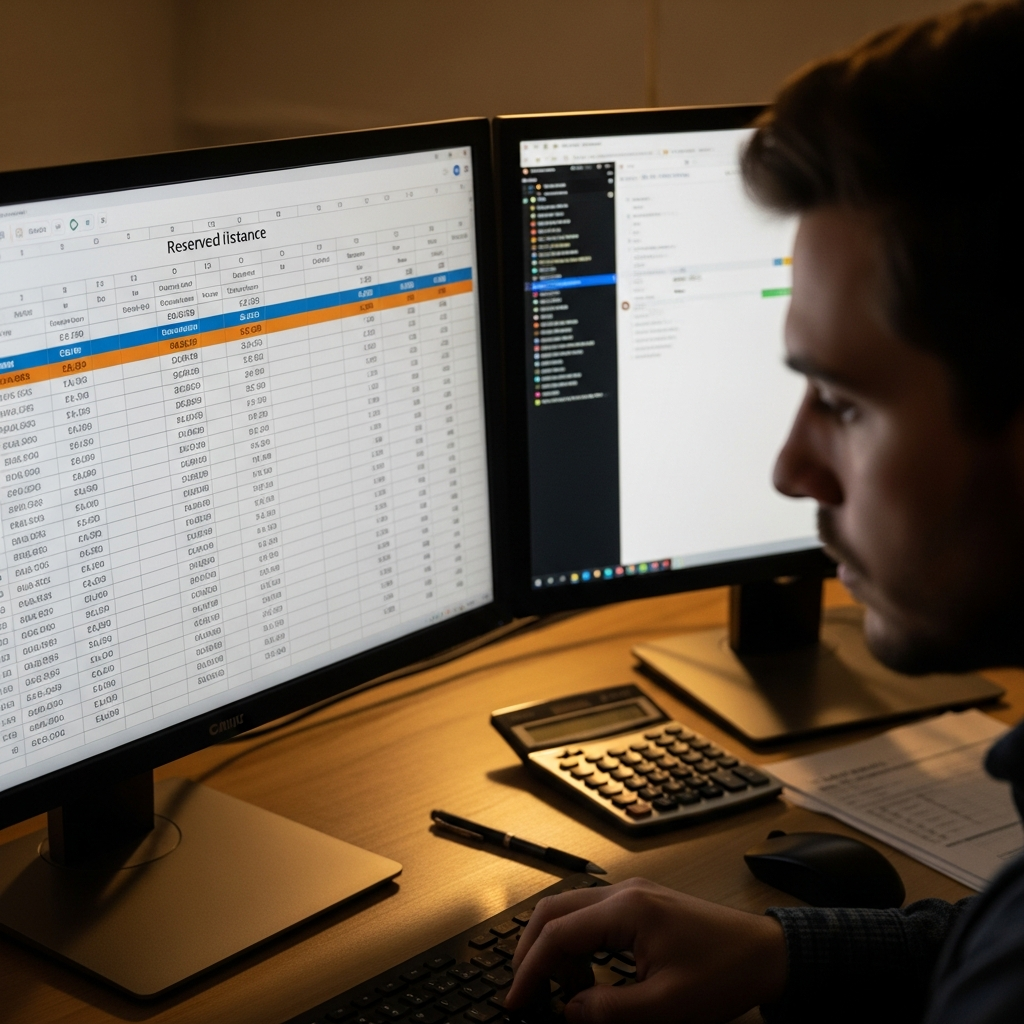
The 60% Savings Math: A Real Workload Example
Ten m5.xlarge instances running 24/7 on On-Demand pricing: $1,680 per month.
Step 1: Reserve the baseline 7 instances that never scale down. At 1-year No Upfront pricing: roughly $980 per month. That is a $700 monthly savings from a single purchasing decision.
Step 2: Run the remaining 3 variable instances as Spot. At typical Spot pricing: $50 to $150 per month depending on Spot market rates and your instance type flexibility.
Step 3: Configure a Spot fleet with mixed instance types for burst capacity. m5.xlarge as the primary, m5a.xlarge and m4.xlarge as alternatives. Diversifying instance types across the Spot fleet reduces the chance of simultaneous reclamation.
Total: roughly $1,050 to $1,130 per month versus $1,680 On-Demand. That is 33 to 37% savings.
Want to push further? Increase the baseline reservation to 3-year All Upfront and those 7 instances drop to roughly $620 per month. Combined with Spot for the variable 3, your total drops to $670 to $770 per month — over 50% savings on the same compute capacity.
Common Mistakes That Kill Savings
Over-reserving. Buying 10 RIs for a workload that averages 7 instances. The unused 3 reservations cost you every month whether you use them or not. Size your reservations to the floor, not the ceiling.
Wrong region. Standard Reserved Instances are region-specific. Buying RIs in us-east-1 does not cover usage in us-west-2. If your workloads span regions, you need separate reservations per region — or a Compute Savings Plan that applies across regions automatically.
Forgetting Convertible RIs. Convertible Reserved Instances allow instance type changes during the 3-year term at the cost of a slightly lower discount — roughly 54% versus 60% for standard. For workloads you expect to scale across instance generations, convertible at 54% beats standard at 60% if you would have needed to buy new RIs mid-term anyway.
Ignoring Spot interruption rates. Some instance families have greater than 15% interruption rates in certain availability zones. Check the Spot Instance Advisor before choosing instance types for your Spot fleet. A 90% discount means nothing if your instances are reclaimed every few hours and your workload cannot checkpoint fast enough to make progress.
The goal is not to put everything on the cheapest pricing model. It is to match each workload to the pricing model that fits its reliability requirements and usage pattern. Reserve the floor, Spot the interruptible, and use Savings Plans for the variable middle.




Stay in the loop
Get the latest multicloud hosting updates delivered to your inbox.